
Species and origin
Lot records can retain species plus born-in, reared-in, slaughtered-in and cut-in origin stages where relevant.
For meat wholesalers
Keep prices, available lots, production and actual weights together. Larder connects the records your office, warehouse and delivery team need to fulfil a meat order.
One connected meat workflow
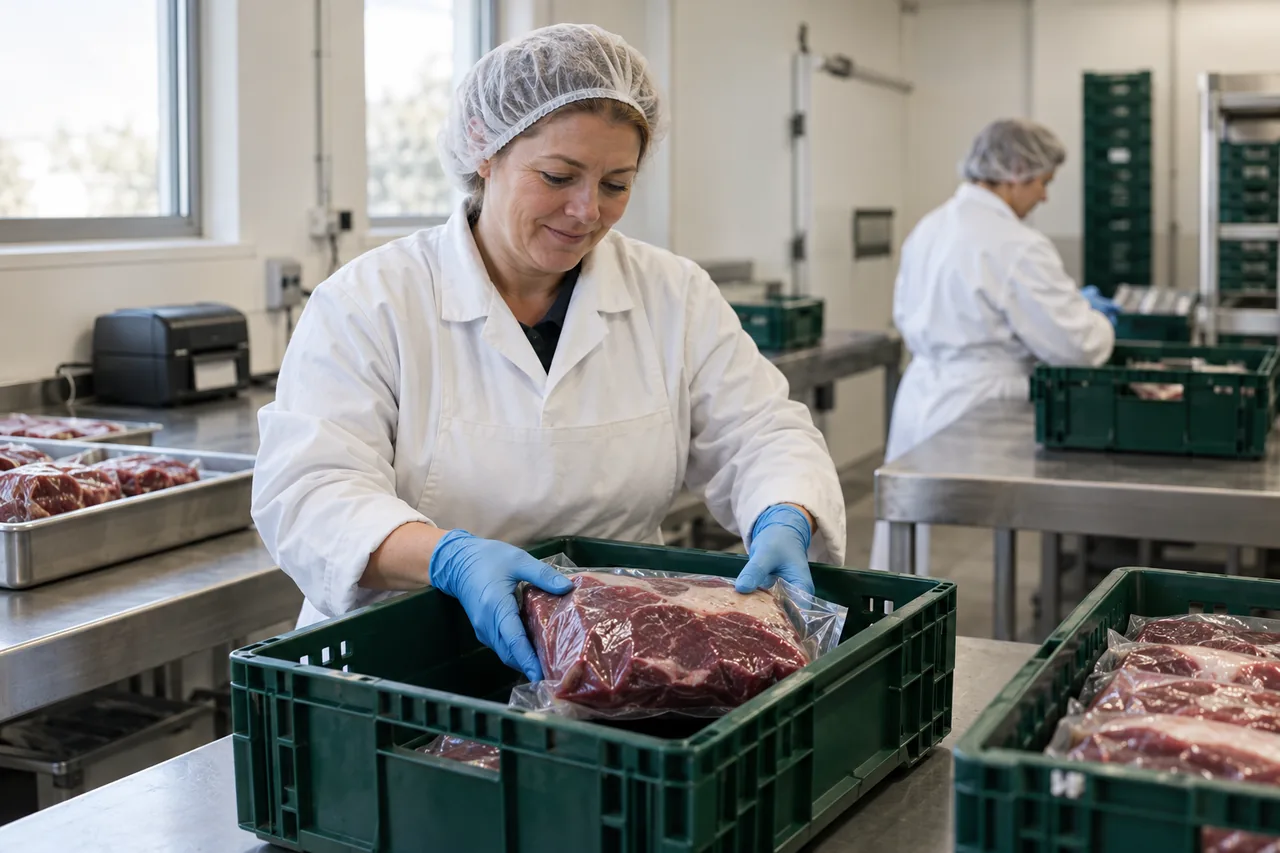
A meat order can pass through sales, stock, production, weighing and dispatch. Each team needs the order details and lot history left by the team before it.
Example workflow. We agree the exact configuration with your team during implementation.
Compare these workflows with the ERP buyer's guideKeep supplier and internal batch, dates, species, origin and applicable animal references with the lot the team can allocate.
Plan production against the order. Record the input lots, output lots, yield and final weights needed to complete the work.
Compare expected and actual yield and investigate variance against the linked production records.
Allocate available lots and keep target, actual weight, tolerance and commercial context together. The physical weighing workflow is configured and validated for the site.
Follow a fulfilled order back through its lots to the source records. The trace depends on your team completing those records.
Keep origin, weight and processing records with the stock they describe. We agree the species-specific records and labelling your business needs during discovery.
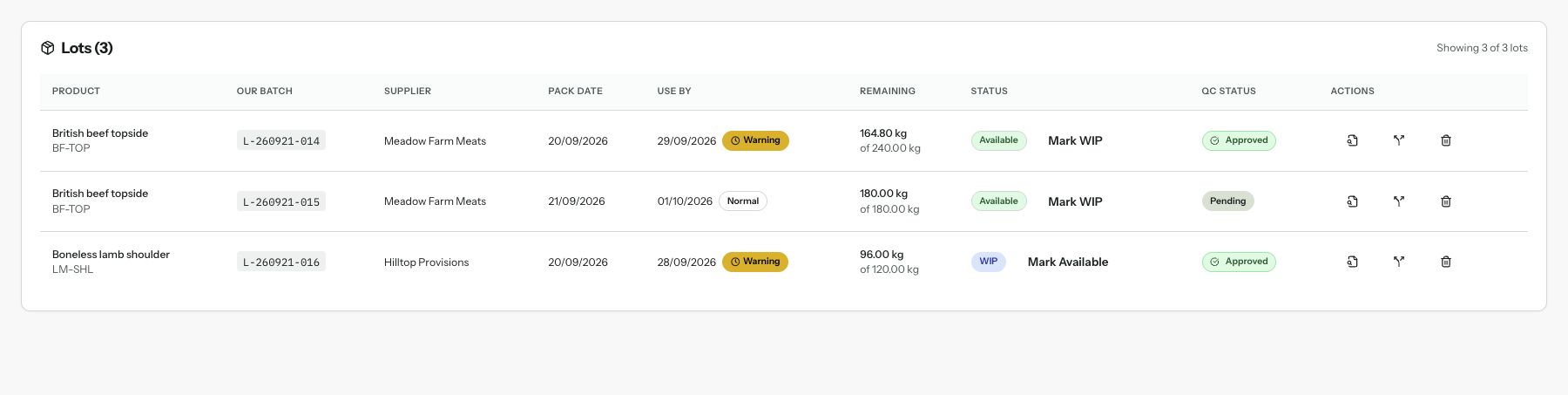
Lot records can retain species plus born-in, reared-in, slaughtered-in and cut-in origin stages where relevant.
Ear-tag numbers and a cattle-passport reference can be stored with the applicable lot record.
Keep the link to the original lot when stock is split or production is completed. Merge, repack and relabel remain unavailable.
Review input, output and waste weights together. Finish the yield record when completing its production order; standalone yield completion remains unavailable.
Keep the target weight, actual reading, tolerance and price per kilogram with the item, including how the weight was recorded.
Review existing animal by-product category, waste type, source lots, weight, collection and disposal evidence. Creating new ABP waste records and recording disposal remain unavailable.
The records you need depend on your products, establishment and market. We agree the operational records and specialist requirements with your team.
Yes, when the production order's required input, output and yield evidence is present. Completing production updates input stock, output lots and yield together, records the links between them, and leaves the output awaiting quality review. Merge, repack and relabel remain unavailable.
Yes. The linked yield session records input, output and waste evidence and completes through the production order’s completion step. Existing ABP history can be reviewed, but creating new ABP waste records and recording disposal remain unavailable.
No. The operator remains responsible for approval, food-safety procedures, accurate records and the requirements that apply to its establishment and products. Larder can support those workflows but does not replace them.
Reconcile one run's input, outputs and unexplained weight before quality release.
Read moreExplore the receiving-to-dispatch lot chain in more detail.
Read moreSee how actual weights, tolerances and prices are recorded.
Read moreSee how order records prepare delivery and finance hand-offs.
Read moreStart with the real workflow
Show us how the work happens today. We will explain which parts Larder can handle, what needs configuring and what is not available.